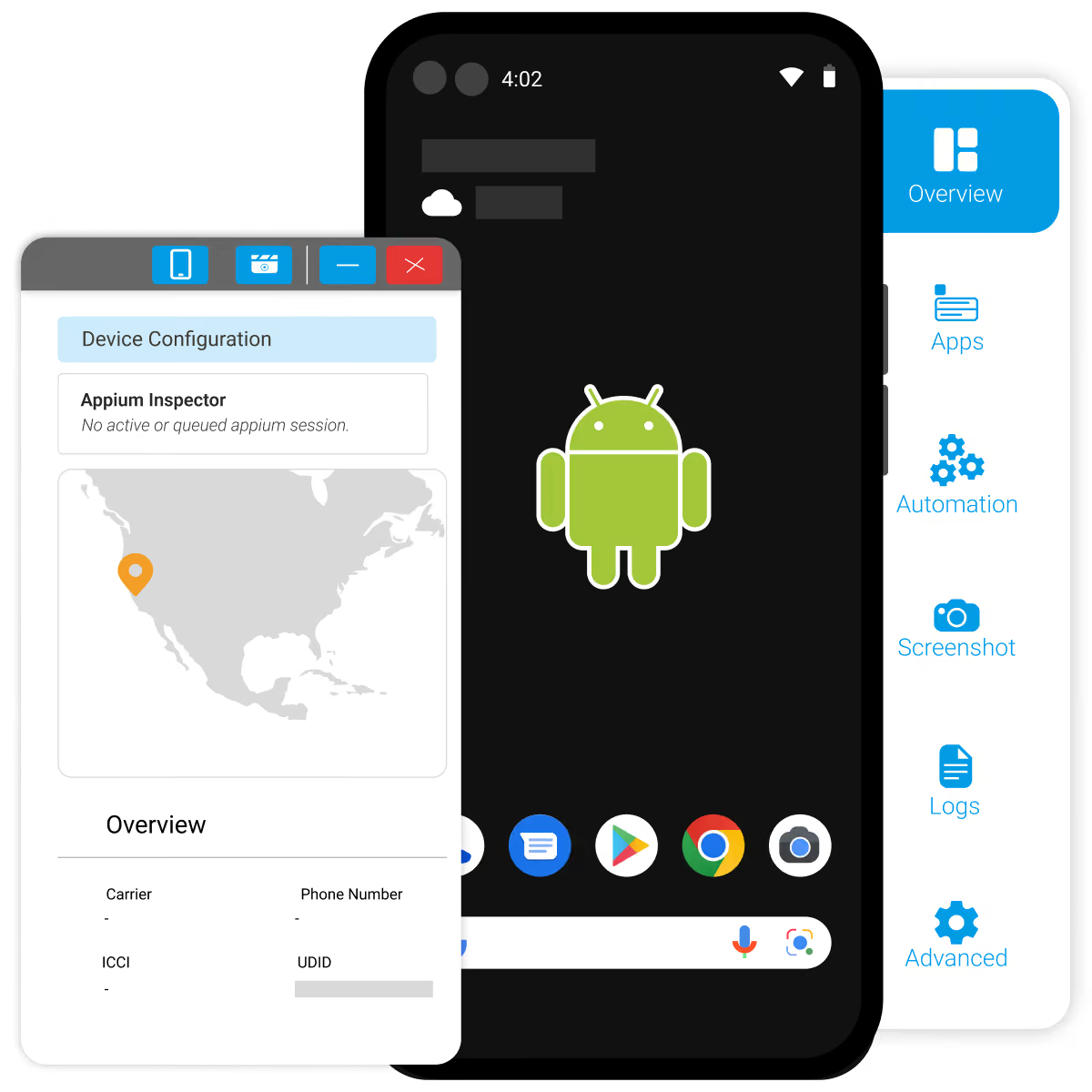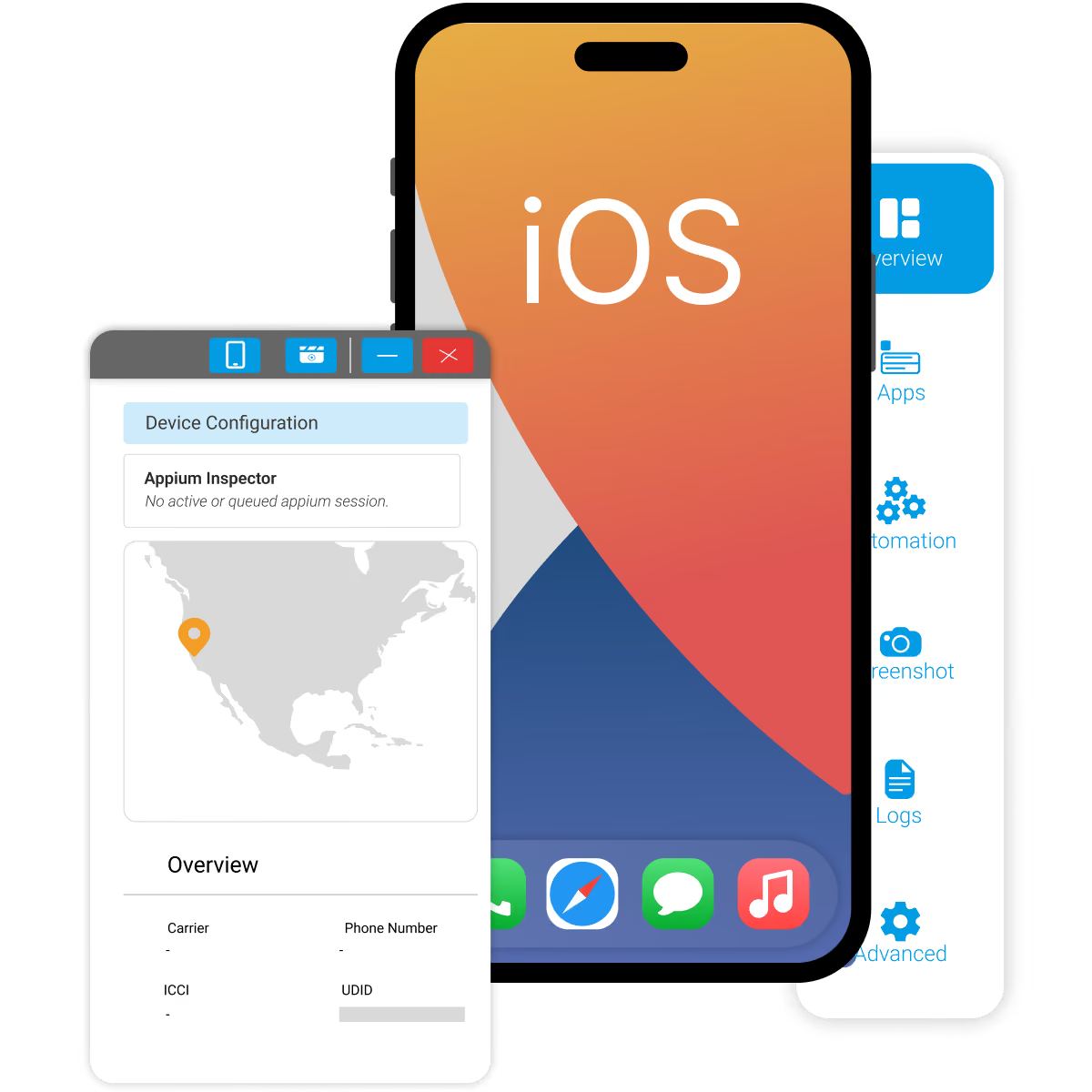
Access real devices remotely without building and maintaining your own device lab. Test across different hardware, OS versions, screen sizes, browsers, networks, and regional configurations.

A real device is only part of the user experience. Network conditions and location can change how the same application behaves.
HeadSpin lets teams test across the combination that matters.
Run tests on physical devices with real hardware, operating systems, and device-specific behavior.
Test on SIM-enabled devices connected to real carrier and Wi-Fi networks to understand how connectivity affects the experience.
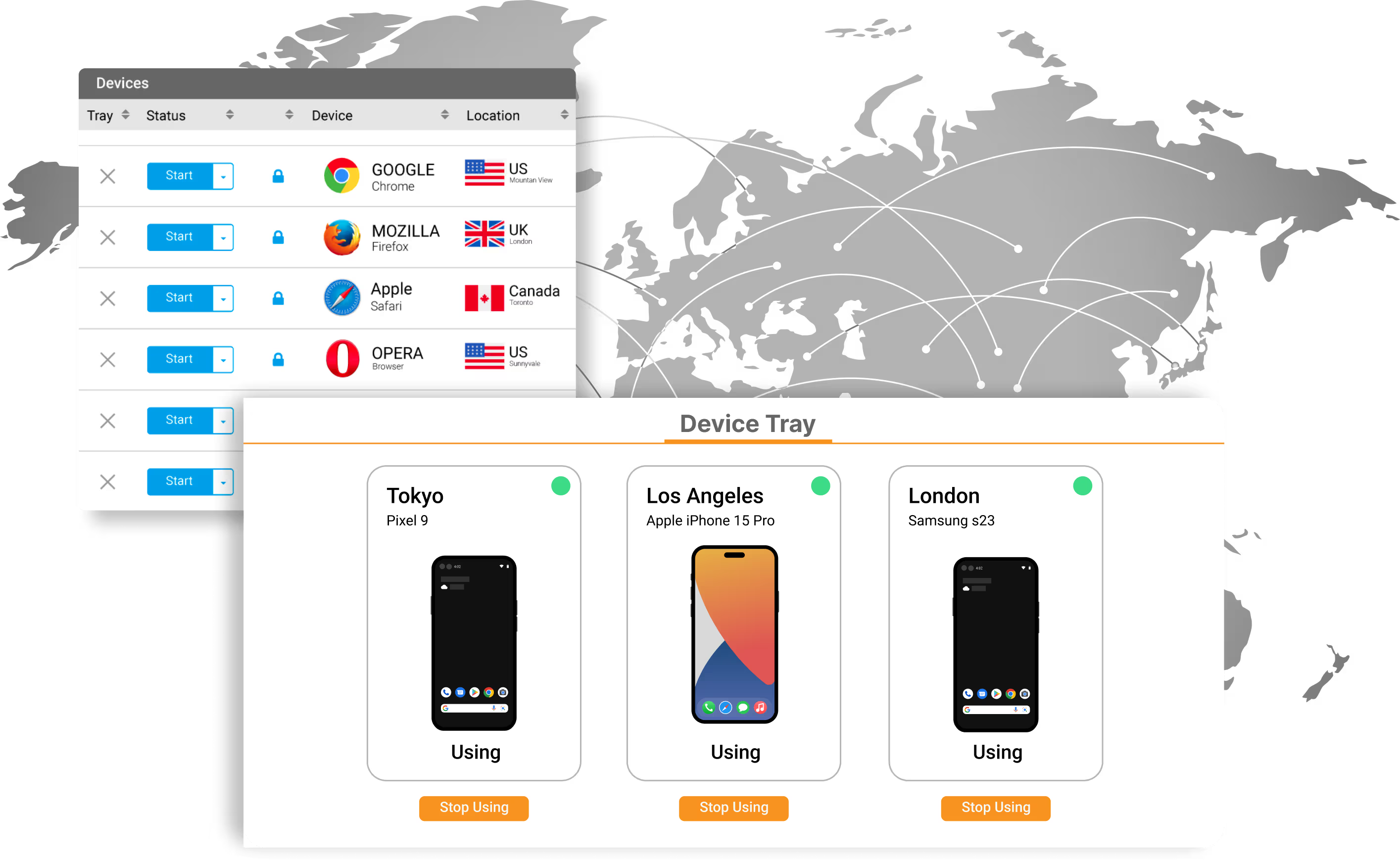
Access devices across 50+ global locations to validate application behavior and performance in the markets you serve.
Keep the automation workflows your team already uses.HeadSpin integrates with 60+ automation frameworks and tools, including:
A test can pass while the experience gets slower.
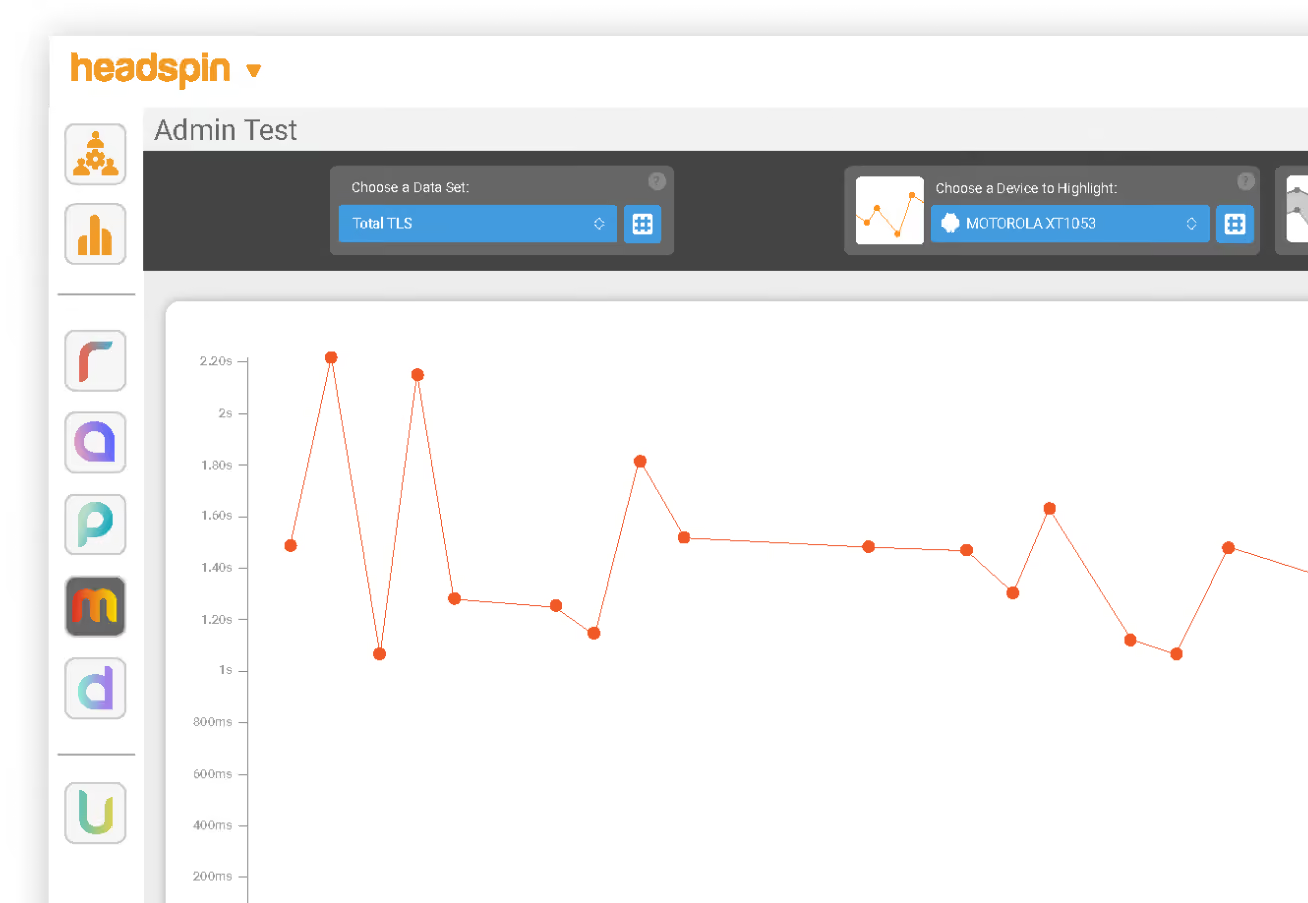
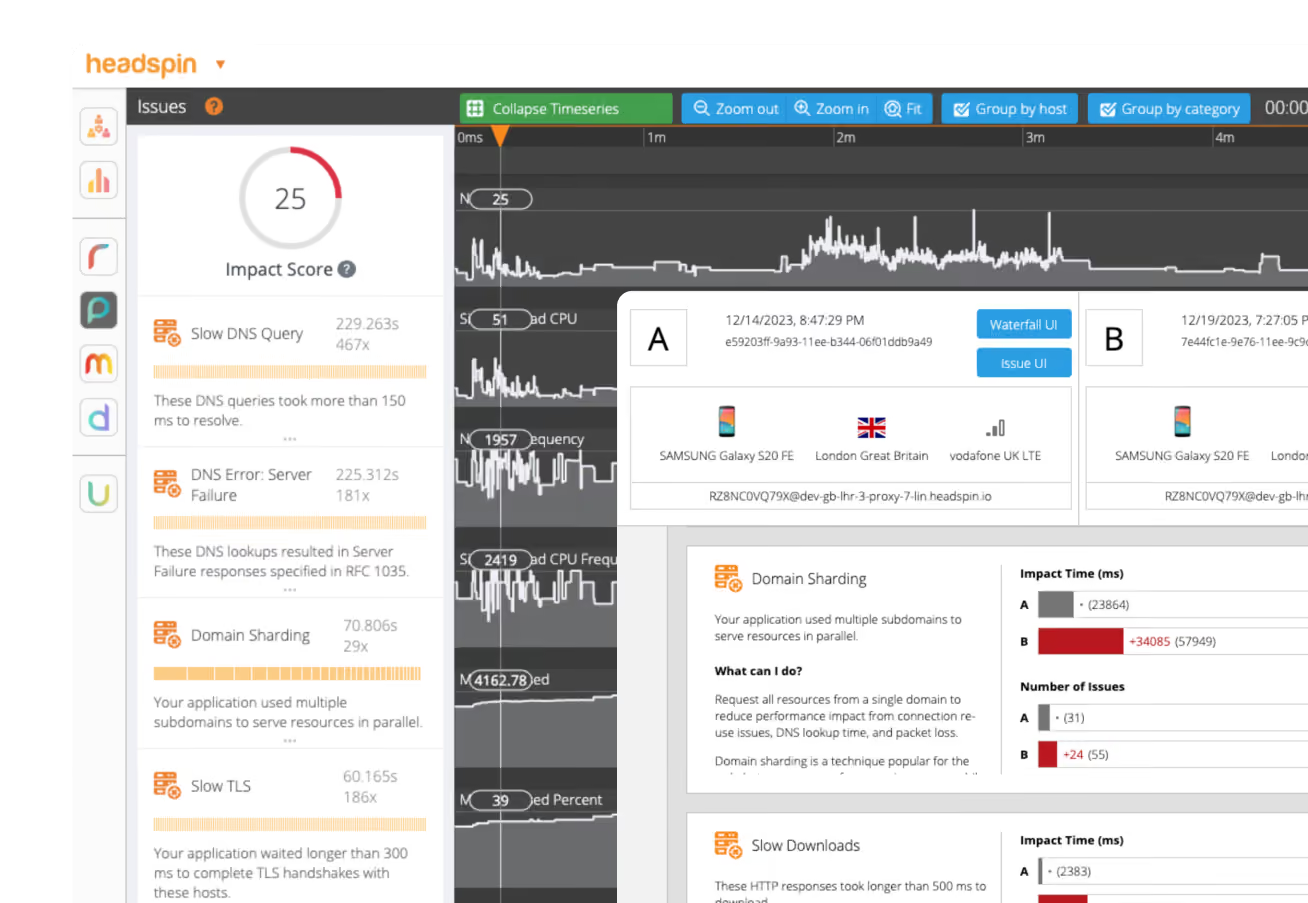
HeadSpin captures 130+ performance KPIs across application, device, and network layers during testing, helping teams understand how their applications perform under real conditions.

Track app responsiveness, CPU, memory, battery usage, latency, throughput, and other performance metrics.

Analyze requests and performance data visually to investigate where slowdowns and other issues occur.

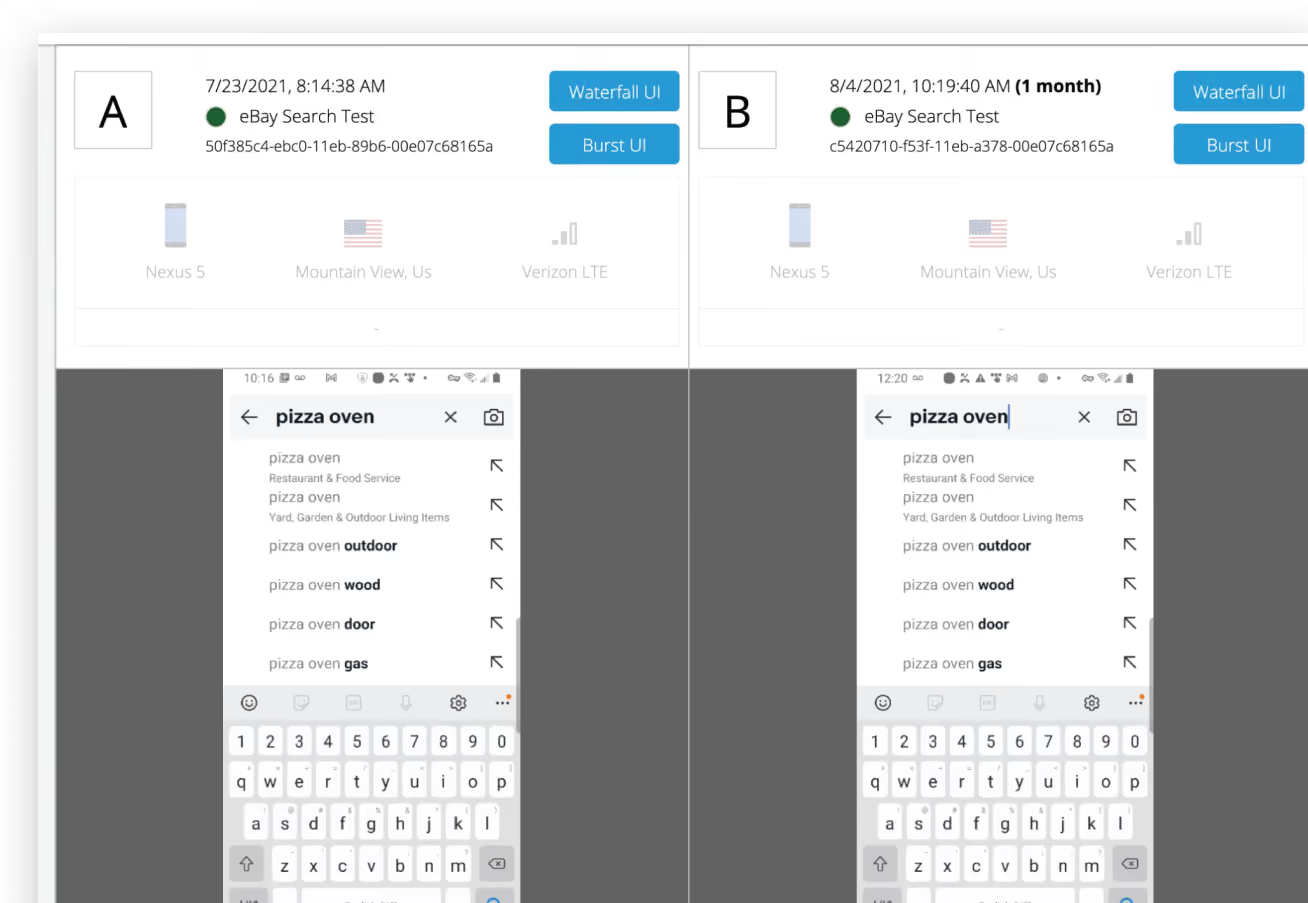
Compare results across builds to identify performance changes before they reach users.
When a test fails, finding the reason should not require switching between disconnected tools.Use session and performance data from the same test to investigate what happened.
Choose the infrastructure model that fits your testing, security, and device-access requirements.

Access a globally distributed pool of real devices without maintaining the hardware yourself.

Use dedicated devices when your team needs consistent availability and greater control over its test environment.

Keep devices within your facility while connecting them to HeadSpin for centralized management and testing.

Run real device testing within an isolated environment when external connectivity is restricted.
Emulators and simulators are useful for fast testing during development. Real devices become important when hardware, networks, device-specific behavior, and actual performance can affect the user experience.
Real device testing with HeadSpin goes beyond remote access to physical phones.
Test applications across real devices, networks, and global locations while using your existing automation and capturing performance data during the same test journey.
Test where your users are.
Keep the tools and workflows your team already uses.
Understand how the experience performs, not only whether the test passed.
Choose shared cloud, dedicated cloud, cloud-connected on-prem, or air-gapped infrastructure.


.webp)

.webp)


.webp)

.webp)