


.png)


.png)


AI-Powered Key Takeaways


Table of Contents

Every QA team eventually hits the same wall. Requirements change mid-sprint, release cycles keep shrinking, and the pile of test cases that need writing or updating never actually gets smaller.
Somewhere between sprint planning and the next deploy, someone has to turn a feature description into steps a tester or a script can follow, and that translation work is slow when a person does it all manually.
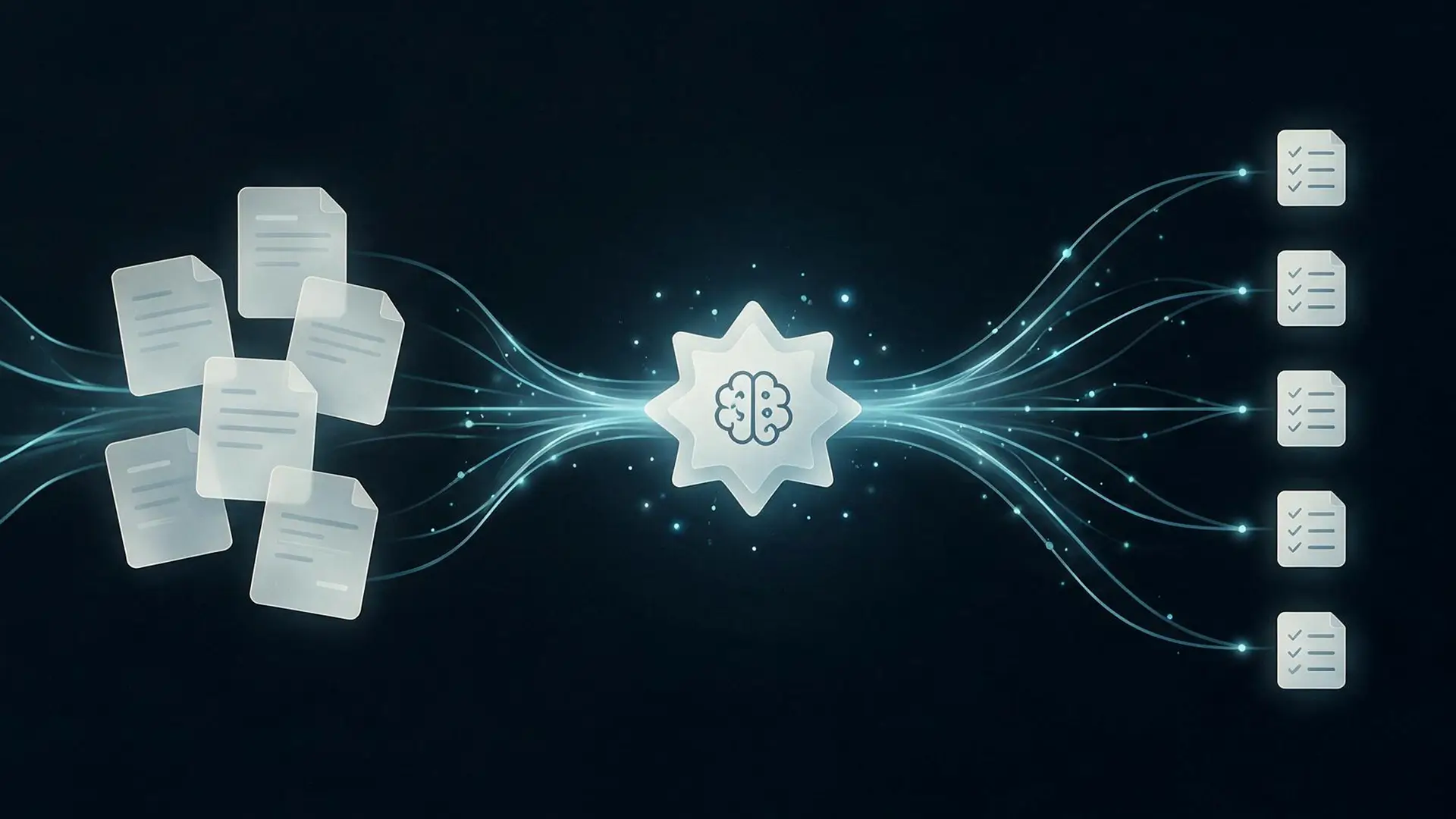
AI test case generation is how a growing number of QA and engineering teams are closing that gap. Instead of drafting every scenario from scratch, teams describe what needs testing and let a model produce the first version: the steps, the inputs, the expected results, and often the edge cases a reviewer may skip.
This guide covers what AI test case generation actually means, how it works, what separates the different AI tools for test case generation on the market, and what to watch for before you trust one with your test suite. This guide also looks at how ACE by HeadSpin extends this idea, since a generated test case is only useful once it can run and be trusted.
What Is AI Test Case Generation?
A test case is a documented way to verify that a part of an application behaves as expected. It typically includes a precondition, a sequence of steps, the input data to use, and the result that counts as a pass. Testers and automation scripts both rely on this structure to confirm a feature works, and to notice quickly when it stops working.
AI test case generation applies natural language processing and machine learning, often through large language models, to read source material like requirements documents, user stories, acceptance criteria, or application code, and convert it into structured test cases automatically.
Instead of a QA engineer manually mapping every acceptance criterion to a set of steps, the model produces a first draft: identifying the action, the condition, and the expected outcome, then formatting all of it into a test case a person can review, edit, and approve.
It helps to be precise about what this replaces. AI test case generation speeds up test design, the thinking, and documentation work that happens before a test ever runs. That is a related but different capability from test automation, which is about executing steps without a person clicking through the application each time. A growing number of tools now do both in a single workflow, and this guide comes back to that a little later.
How AI-Powered Test Case Generation Works
1. Parsing the input
The model reads the source material, whether that is a requirements document, a user story, a ticket, or a design file, and uses natural language processing to extract the pieces that matter: the action being performed, the condition under which it happens, and the outcome that counts as a pass.
2. Structuring the test case
Those extracted pieces get mapped into a standard test case format: preconditions, numbered steps, test data, and expected results. Many tools also support Gherkin syntax (Given, When, Then), which plugs directly into behavior-driven development frameworks.
3. Proposing coverage beyond the obvious path
This is where generative AI earns its keep. Beyond the path a requirement describes explicitly, the model can suggest boundary conditions, invalid inputs, and negative scenarios based on patterns it recognizes across similar test types. It is not infallible here, and the challenges section below explains why, but it is genuinely useful for catching the scenarios a rushed test writer tends to skip.
4. Review and refinement
No credible tool in this category ships generated output straight into a live test suite without a human checkpoint. Generated cases typically land in a review queue, where a tester approves, edits, or rejects them before they are added to the suite or connected to automation.
Also read - AI in Test Automation: A Complete Guide
Manual Test Case Writing vs. AI Test Case Generation
Here is how the two approaches actually compare, once you get past the pitch.
Also read - AI-Powered Testing vs Traditional Automation Testing: Key Differences
Types of AI Tools for Test Case Generation
Test case generation tools are not all built the same way, and knowing which category you are evaluating matters more than any single feature on a landing page.
Most QA teams do not need every category at once. The right starting point depends on where your actual bottleneck sits: writing cases in the first place, keeping them current as the application changes, or getting from a written case to something that runs reliably.
Read more - Best AI Testing Tools in 2026: Top 20 Reviewed
Top Tools and Frameworks for AI Test Case Generation
The tools used for AI test case generation do not all serve the same purpose. Some generate complete test journeys from natural-language instructions. Others provide the automation framework that turns those generated steps into executable tests.
Here are some of the most relevant tools and frameworks for teams building AI-assisted testing workflows in 2026.
Benefits of Automated Test Case Generation
1. Test design keeps pace with development
When a model can draft a first version of a test case in about the time it takes to read the requirement, test design stops being the thing that lags behind a sprint. Automatic test case generation shortens the distance between a requirement getting written and a test existing for it.
2. Broader coverage, especially at the edges
Under deadline pressure, most testers document the happy path well and the edge cases less well. AI models are consistent about proposing boundary values, invalid inputs, and negative scenarios, since they are not racing a clock the way a person is at 6 p.m. before a release.
3. Fewer inconsistencies across a growing suite
A test suite built by five people over two years tends to look like it was built by five people over two years. Automated test case generation applies the same structure and level of detail every time, which makes the suite easier to read, review, and hand off to someone new.
4. A lower barrier for non-QA contributors
Product managers and business analysts often understand a feature's intended behavior better than anyone else on the team, but they do not always know test case structure. Natural-language input lets them describe what should happen and get a properly formatted test case back, without learning a new tool first.
5. Faster response to requirement changes
Requirements shift mid-sprint more often than anyone would like. Instead of a tester manually hunting down every case a change affects, some AI test case generation tools can flag or regenerate the specific cases tied to that updated requirement.
Also read - AI Testing: Definition, Types, Examples and Use Cases
Challenges and Limitations of AI Test Case Generation
No tool in this category removes the need for a QA professional, and being upfront about the limits is part of using the technology well.
1. Requirements quality sets the ceiling
A model can only generate a test case as good as the requirement it is reading. Vague acceptance criteria produce vague or incomplete test cases. Teams that get the most value from automatic test case generation tend to already write clear, specific requirements, which is worth fixing regardless of whether AI gets involved.
2. Business context still needs a person
Models are good at pattern-matching against requirement text, but they do not know why a rule exists, what a past production incident taught the team, or which edge case actually matters to real users. Nuanced business logic, compliance rules, and institutional knowledge usually need a human to catch what the model missed.
3. Generated cases still need review
Treating AI output as final is where things go wrong. A generated test case can look complete and still test the wrong thing, duplicate an existing case, or assume something about the application that is not true. Building a review step into the workflow, instead of skipping it to save time, is what keeps quality up.
4. Data handling deserves a real policy
Feeding requirement documents, logs, or production data into an AI model means that data is leaving its original system in some form. Teams should know whether a tool processes data in the cloud or on infrastructure they control, and should avoid entering credentials, personal data, or anything sensitive until that question has a clear answer.
5. Maintenance does not disappear, it changes shape
AI-generated test cases still need upkeep as the application evolves. The difference is that the work shifts from manually rewriting steps to reviewing what the model proposes to change, which is faster, but it is not zero effort.
Also read - Generative AI in Software Testing: What It Is and How It Works
Best Practices When Evaluating AI Tools for Test Case Generation
- Start with your clearest requirements: Pick a well-documented feature for the first attempt, so you are evaluating the tool's output rather than compensating for a vague spec.
- Keep a human review step non-negotiable: Every generated test case should get a look from someone who knows the application before it enters the suite or gets connected to automation.
- Feed it real acceptance criteria, not summaries: The more specific the input, exact field names, actual error messages, and clear pass or fail conditions, the more usable the output tends to be.
- Track which generated cases catch real defects: This tells you where the tool earns its place in the workflow and where it still needs a human safety net.
- Start narrow, then expand: Apply it to one module or one type of testing first. It is easier to catch a systematic gap in ten test cases than in a thousand.
- Confirm where your data goes: Before connecting any tool to your requirements or codebase, check how it handles that data and whether it meets your organization's security requirements.
Where ACE by HeadSpin Fits In
Generating a test case is only half the job. It still has to run against a real application, on a real device, and stay accurate as the interface around it keeps changing. That is the gap ACE by HeadSpin is built to close.
ACE takes a test scenario written in plain English, something like logging in with valid credentials, searching for a product, adding it to the cart, and confirming the total updates, and turns it into a structured, step-by-step test journey. Instead of a tester manually mapping out each interaction, ACE interprets the scenario and builds the flow, which a QA engineer can review and adjust before anything executes.
From there, ACE generates ready-to-run Python automation for Appium and Selenium, using the application's live UI DOM or XML at each step rather than a static screenshot or outdated documentation. That distinction matters in practice. A script built against what the application actually looks like right now is less likely to break the moment a button moves or a screen gains an extra field.
Once generated, the journey runs on real devices and networks, so teams are validating against actual conditions rather than emulators alone. Every step stays visible and gets validated as it executes, and if a locator changes or an unexpected screen appears, ACE's self-healing behavior attempts to recover within a set retry limit instead of simply failing the run.
For test case generation specifically, this means the step from describing what needs testing to having a working, validated test gets a lot shorter, without losing the ability to inspect exactly what the AI built and why. Teams that need dedicated or on-premise environments for data control have that option too, which matters for organizations in regulated industries or with strict infrastructure requirements.
What’s Next for AI Test Case Generation
A few directions are already visible as 2026 plays out.
- Generation and execution are merging: The earlier split between a tool that writes test cases and a tool that runs them is narrowing. More platforms now carry a described scenario from draft to validated result inside one workflow.
- Traceability is tightening: Linking a generated test case back to the exact requirement, ticket, or code change that produced it is becoming standard practice rather than a nice-to-have, especially for teams that need to prove coverage during an audit.
- Prioritization is getting smarter: Rather than generating and running everything, more tools use defect history and change frequency to flag which generated cases matter most for a given release, so teams are not treating every test as equally urgent.
None of this removes the QA function from the picture. It changes what a QA engineer spends the day doing: less time transcribing requirements into steps, more time deciding what is worth testing and checking whether the machine got it right.
The Bottom Line
AI test case generation will not replace the judgment a good tester brings to a release, and it is not meant to. What it does is take the repetitive, time-boxed part of test design, turning a requirement into a structured case, and handle that first pass faster and more consistently than a person can manage across a growing backlog.
The teams getting real value from it treat generated test cases the way they would treat a draft from a capable colleague: a strong starting point that still needs a second set of eyes. Pair that with a workflow that can also execute and validate what gets generated, which is where ACE by HeadSpin comes in, and test case generation stops being an isolated step and becomes part of one faster path from requirement to a release you can actually trust.
If you are deciding where to start, pick one well-documented feature, generate the test cases for it, and see how much of the output survives review unchanged. That number will tell you more about fit than any feature comparison.
FAQs
Q1. What is AI test case generation?
Ans: AI test case generation is the use of machine learning and natural language processing, often through large language models, to automatically draft test cases (the steps, inputs, and expected results) from source material like requirements, user stories, or application code, instead of a person writing each one by hand.
Q2. How does AI test case generation work?
Ans: Most tools read a requirement or user story, extract the action, condition, and expected outcome using natural language processing, then map that into a structured test case format. More advanced tools also propose edge cases based on common patterns and, in some cases, convert the case directly into executable automation.
Q3. Will AI replace human testers?
Ans: No. AI test case generation speeds up drafting and can catch scenarios a rushed tester might miss, but it still needs a person to review the output for accuracy, apply business context the model does not have, and decide what is actually worth testing.
Q4. Can AI generate test cases from requirements or user stories?
Ans: Yes, this is the most common use case for the technology. Feeding a tool a clear requirement, user story, or set of acceptance criteria typically produces the most usable output, since the quality of AI test case generation depends heavily on how specific the source material is.
Q5. What is the difference between AI test case generation and test automation?
Ans: Test case generation is about designing what to test: the steps, data, and expected results. Test automation is about executing those steps without manual effort. Some newer tools, including ACE by HeadSpin, combine both by generating a test case and then producing executable automation from it.
Q6. Are AI-generated test cases accurate enough to use without review?
Ans: Not reliably, no. AI-generated test cases are a strong starting point, but they can miss business context, misread an ambiguous requirement, or duplicate coverage that already exists. Reviewing generated cases before adding them to a suite is standard practice across the tools available today.








-1280X720-Final-2.jpg)




