


.png)


.png)



AI-Powered Key Takeaways


Table of Contents

Introduction
You tested the app in pre-production, everything looked stable, and the release went live.
Then a real user opened it on their phone, and things started breaking. The layout shifted, a button stopped responding, or the app crashed during launch.
This is exactly why real device testing matters. The challenge is that most real device testing platforms are built for large engineering teams with enterprise budgets, not solo developers or small teams trying to ship reliable apps without spending hundreds of dollars every month.
This blog post is for developers and testers who are in search of affordable ways to test on real devices.
What Is Real Device Testing, and Why Does It Matter?
Real device testing means running your app on an actual physical phone or tablet rather than an emulator. Here is how real device testing makes a difference:
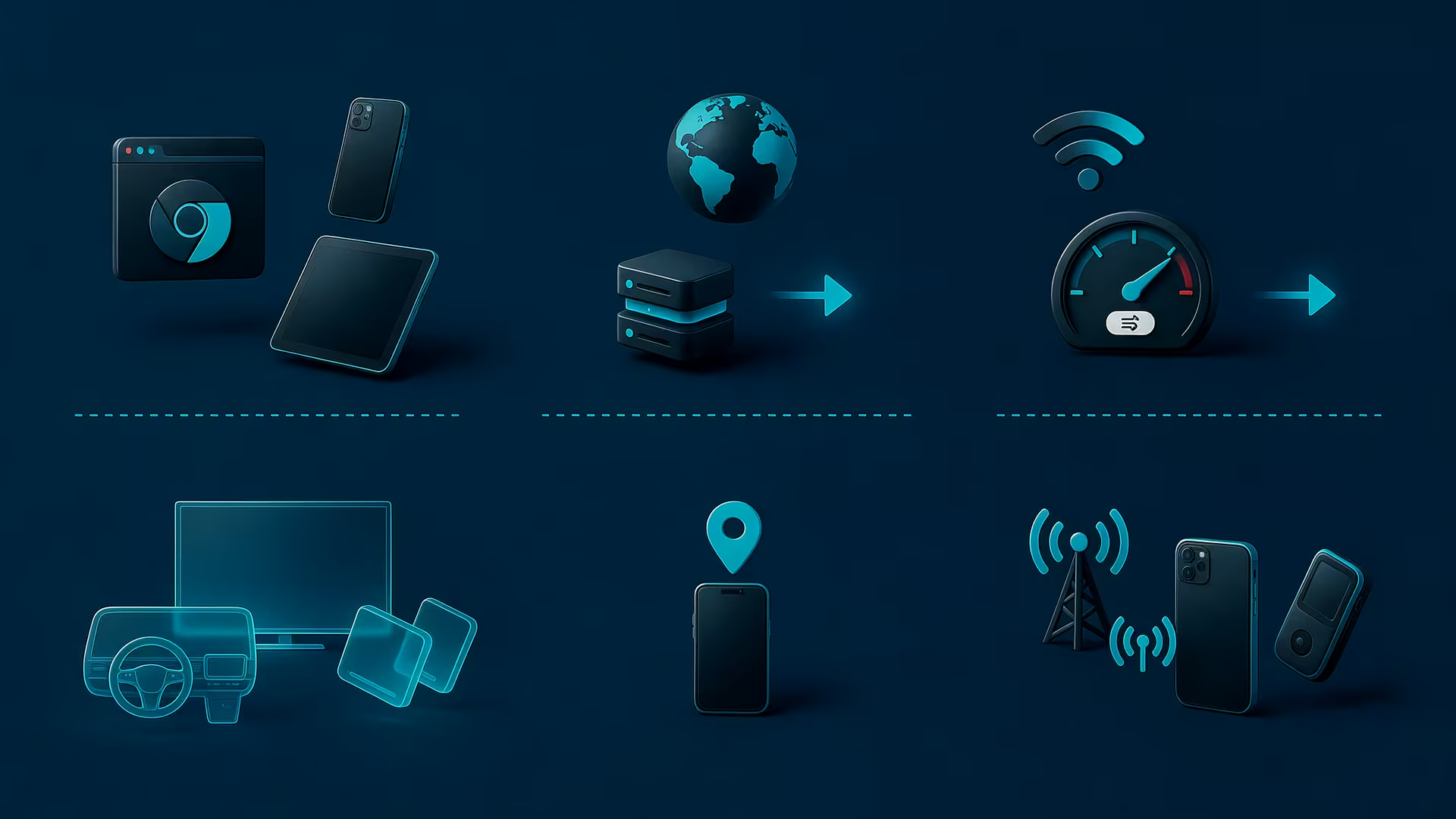
Hardware differences: Real devices have their own processors, GPUs, camera modules, sensors, and memory configurations. This means performance behavior, battery impact, and hardware-dependent features like biometric authentication or gyroscope interactions can be accurately tested.
Real network conditions: On a real SIM-enabled device, your app runs on mobile data, Wi-Fi, or a slow connection that drops. How your app handles poor connectivity is one of the most common things emulators miss.
Rendering differences. Screen resolutions, pixel densities, notch sizes, and aspect ratios vary across hundreds of devices. An emulator lets you resize a window. A real device puts your UI in front of the actual hardware it will live on.
The Real Challenges Small Teams Face in Real Device Testing
If real device testing is so important, why don't more small teams do it properly? Because it is genuinely difficult to pull off without the right setup or budget.
Here is what the situation actually looks like for most solo developers and small QA teams:
1. You cannot own every device
The global market has thousands of active device models. Even if you narrow it down to the most popular ones in your target region, you are looking at dozens of devices across different manufacturers, screen sizes, and OS versions. Buying even a small lab of ten to fifteen devices costs thousands of dollars. Then you have to maintain them, keep the OS versions updated, and replace them when they age out.
2. Your own phone is not enough
A lot of developers test on the one or two personal devices they own. This is better than nothing, but it means you are only testing on hardware you happen to have. Your users are not all using the same phone as you.
3. Enterprise testing platforms are expensive
The well-known cloud testing platforms offer access to hundreds of real devices, but their pricing is built around teams with proper QA budgets. Plans often start at hundreds of dollars per month before you access anything meaningful, and the feature-heavy tiers can run into thousands.
4. Free tiers come with hard limits
Some platforms offer free access, but they cap session length at a few minutes, restrict which devices you can use, or put your tests in a queue behind paying customers. If you do get access to a device and manage to catch a bug before the clock runs out, free tiers often strip away the debugging tools you need to actually fix it. They might show you that an app crashed; you don’t know why.
Also read - Real Device Cloud vs Emulator for Mobile App Testing: What Should You Use?
What Budget-Conscious Real Device Testing Actually Looks Like
- Identify your most important devices first: You do not need to test on every device. Look at your analytics or your target market. If you are building for users in South Asia, mid-range Android devices from Samsung and Xiaomi are far more important than the latest iPhone Pro. If you are building a consumer app in the US, you probably want a mix of recent iPhones and a few popular Android models. Start there, and expand over time.
- Separate manual testing from automated testing: When resources are limited, running every automated test on real devices can quickly consume available testing hours. A more practical approach is to reserve real-device testing for the scenarios that matter most, while keeping repetitive validation focused and controlled.
- Test at meaningful checkpoints: You do not need to run real device tests on every commit. Run them on checkpoints like before major releases, after significant UI changes, and after OS update cycles. This keeps the scope manageable.
- Prioritize device variety over exhaustive test scripts: When you have limited real device hours, you have to choose how to spend them carefully. It is far more valuable to test your core user flows like onboarding or checkout across eight different device models than to spend that same time testing every minor, secondary feature on just two phones.
Introducing HeadSpin CloudTest Lite: Built for Teams Like Yours
HeadSpin CloudTest Lite bridges the gap between restrictive free tiers and massive enterprise contracts. For a flat $39/month, it gives small teams and solo developers the kind of global real device access and advanced debugging power that usually costs hundreds.
Here is what you actually get:
● Global Access to Real Devices
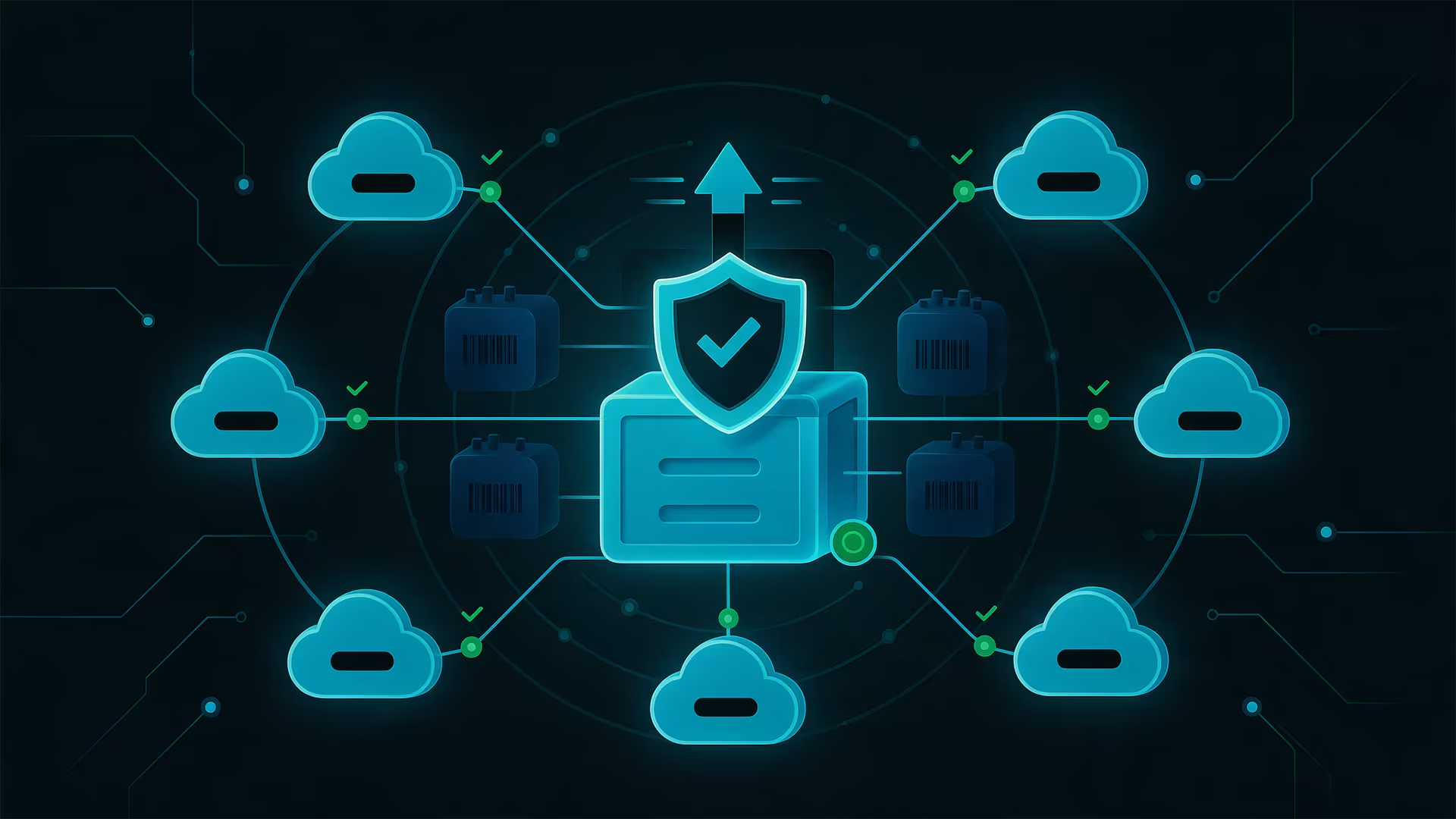
CloudTest Lite gives you access to HeadSpin's public device cloud, which includes real Android and iOS phones, tablets, and web browsers located across 17+ global locations. You are testing on physical hardware, not simulations.
● Automated device cleaning after every session
After you finish a session, the device is wiped clean. Your test data does not linger on a shared device, and the next person who uses it starts from a clean state. Test data is retained for 30 days on HeadSpin's end so you can refer back to past sessions.
● 40+ Hours of Uninterrupted Testing
That is more than enough for a solo developer or small QA team running regular test cycles. No session cut-offs mid-test, no waiting in a queue, so you get uninterrupted access to the devices you need.
The Bottom Line
Real device testing is not optional if you care about your users' experience. The good news is that you do not need an enterprise budget to test on real devices.
For small teams and solo developers, HeadSpin CloudTest Lite gives you access to real devices, meaningful testing hours, and professional debugging tools at a price point that does not require a budget conversation.
Q1. What is cloud-based mobile testing?
Ans: Cloud-based mobile testing allows developers and QA teams to test their applications on real, physical smartphones and tablets hosted in remote data centers. Instead of buying, maintaining, and updating an expensive device lab in your own office, you connect to these devices over the internet.
Q2. How much does HeadSpin CloudTest Lite cost?
Ans: HeadSpin CloudTest Lite is available for a flat $39 per month when billed annually (or $49 per month if you prefer to be billed monthly).
Q3. Why shouldn't I just rely on emulators for app testing?
Ans: While emulators are highly useful for running basic, repetitive automated scripts, they cannot replicate the real-world conditions your users experience. Emulators often miss hardware-specific glitches, battery and performance impacts, real network connectivity drops, and precise UI rendering issues.






-1280X720-Final-2.jpg)




